

This website uses cookies to improve your experience. We'll assume you're ok with this, but you can opt-out if you wish. Read More
How to Buy: A First-Time Customer's Guide
An eight-step walkthrough of shopping on amuletcenter-arm.com, from creating an account to reviewing your order — stopping just short of the final purchase button.
With screenshots
Account required
8 steps
The site's interface, prices, filters, and policies may change after this review. Treat exact labels and figures here as a snapshot, not a guarantee — always check the current site before buying.
Swipe for all 8 steps →
The Journey
1
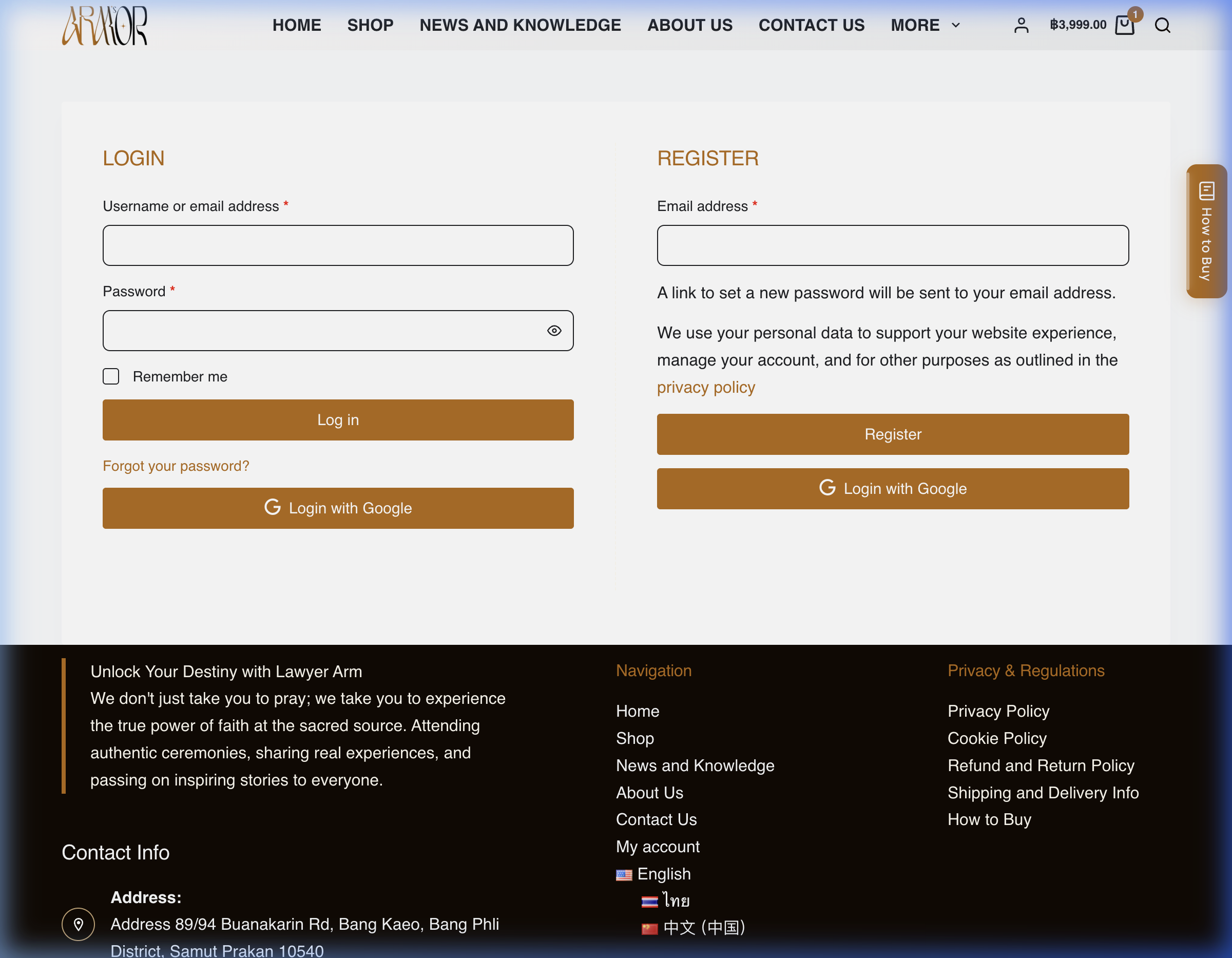
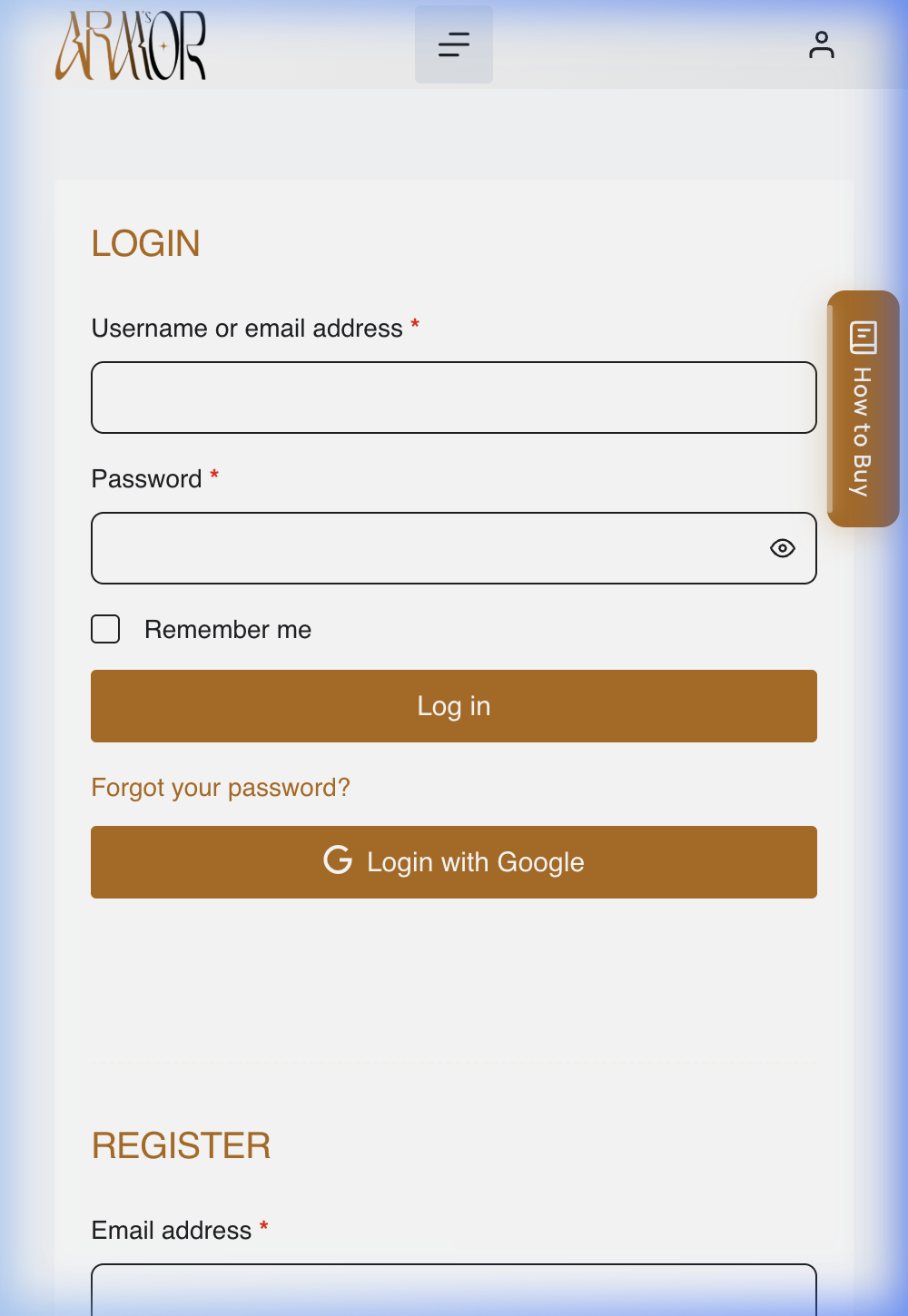
02-login.png
Create an Account
Open MY ACCOUNT and complete Register with your Email address. An account is required before checkout — returning customers use Log in instead.
A link to set your password is emailed after registering — there is no guest checkout option.
2
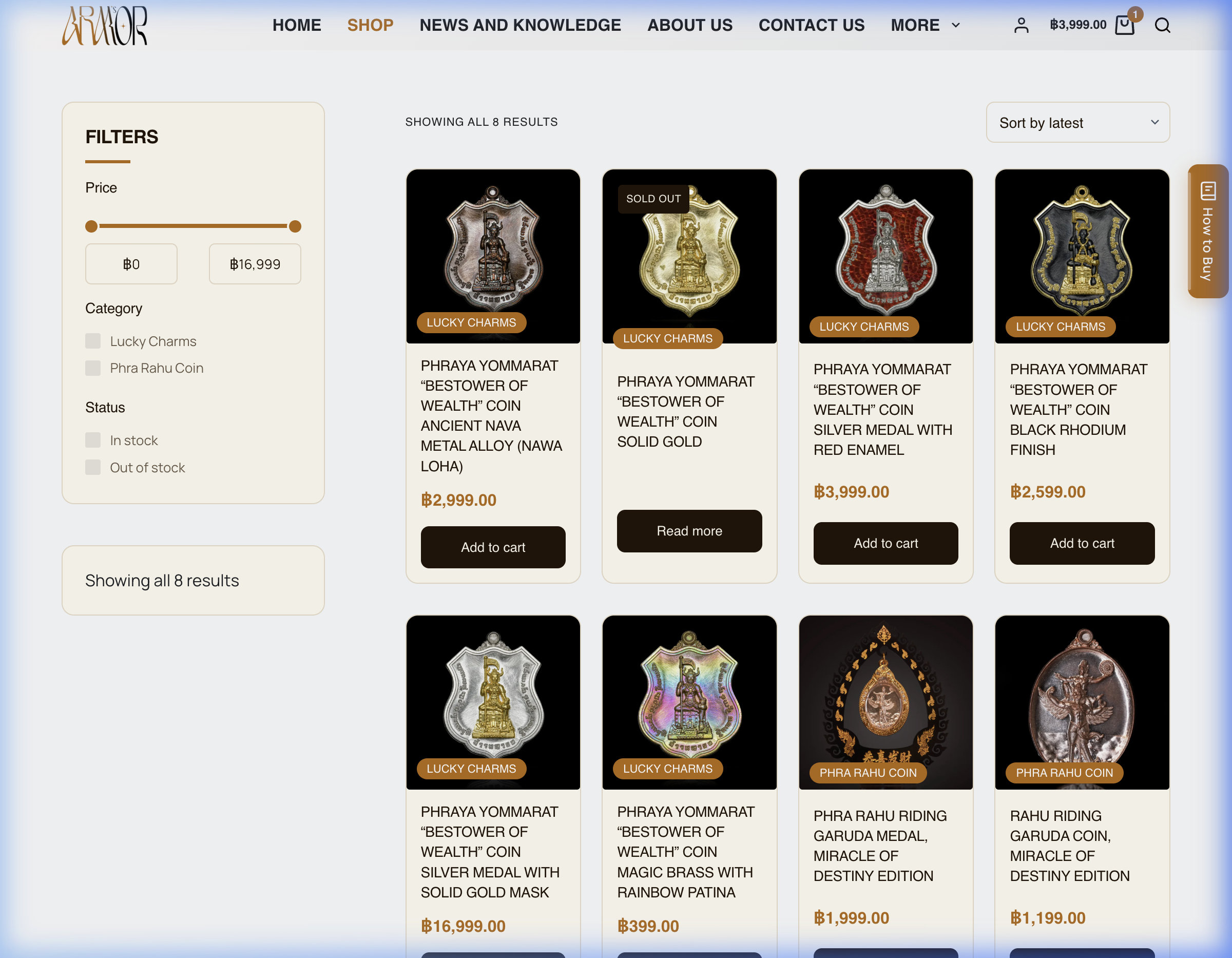
03-browse-products.png
Browse and Filter Products
On the SHOP page, use FILTERS — Price, Category, Status — and the Sort by menu to narrow the results.
Try the Status: In stock filter to see only items ready to ship.
3
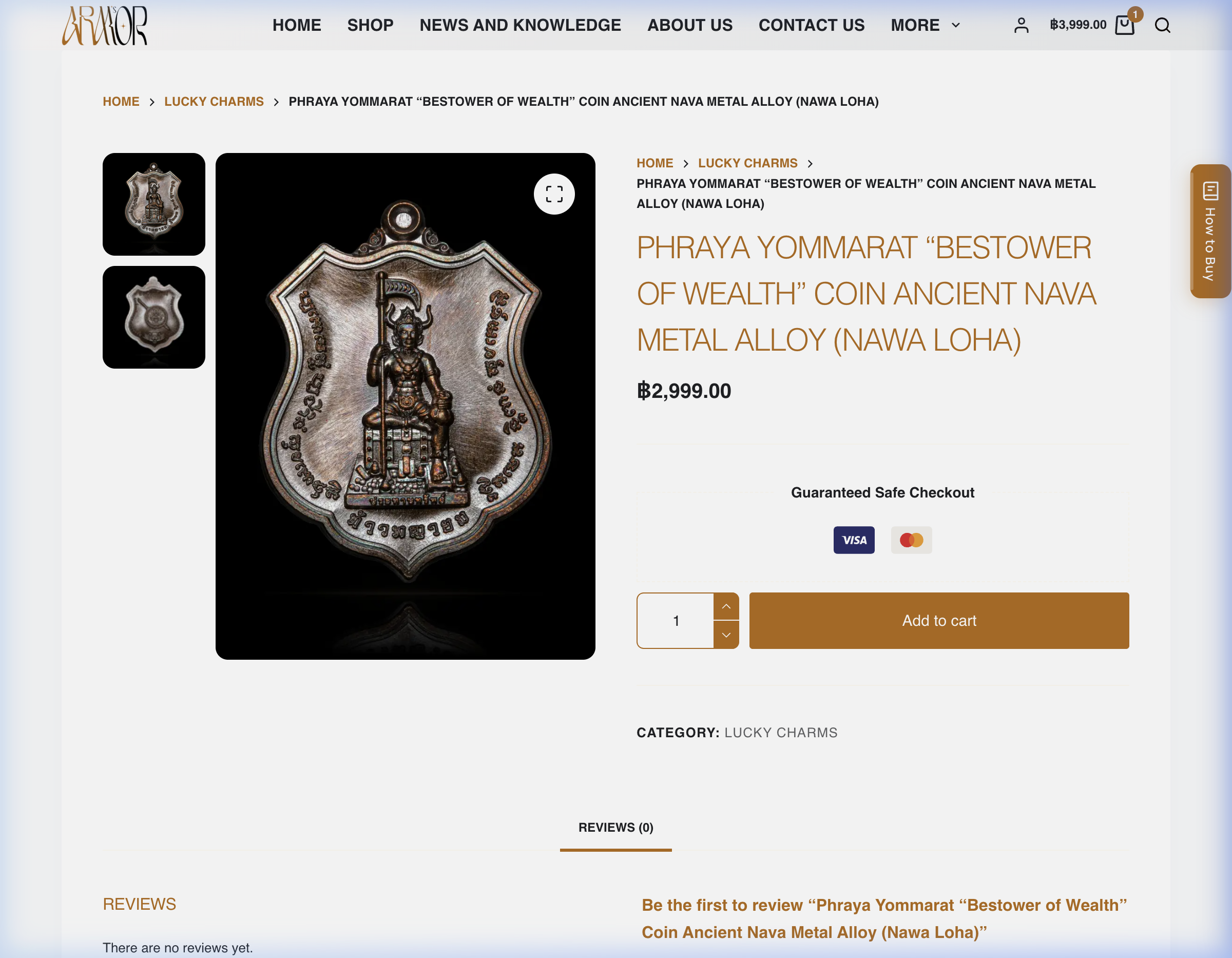
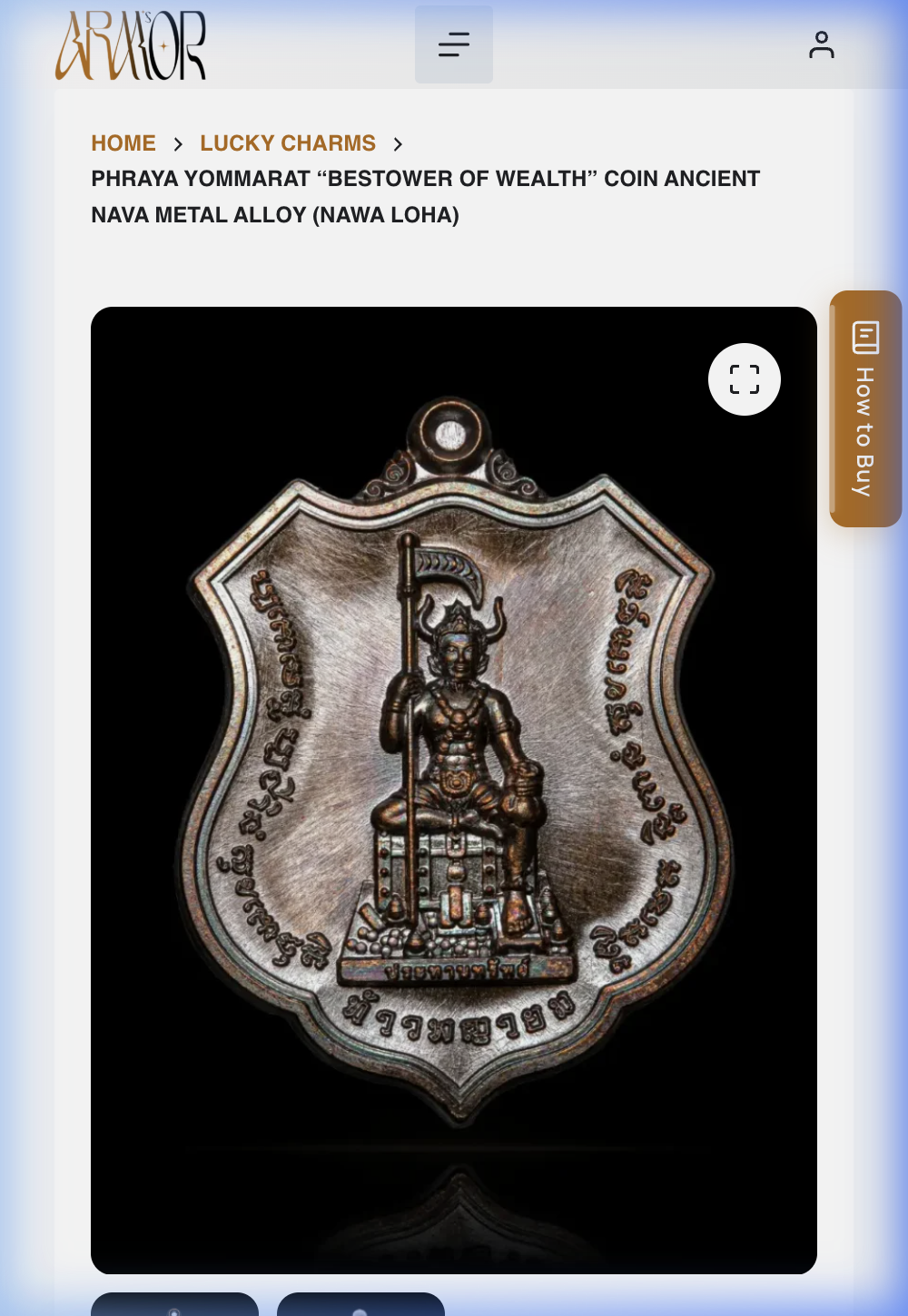
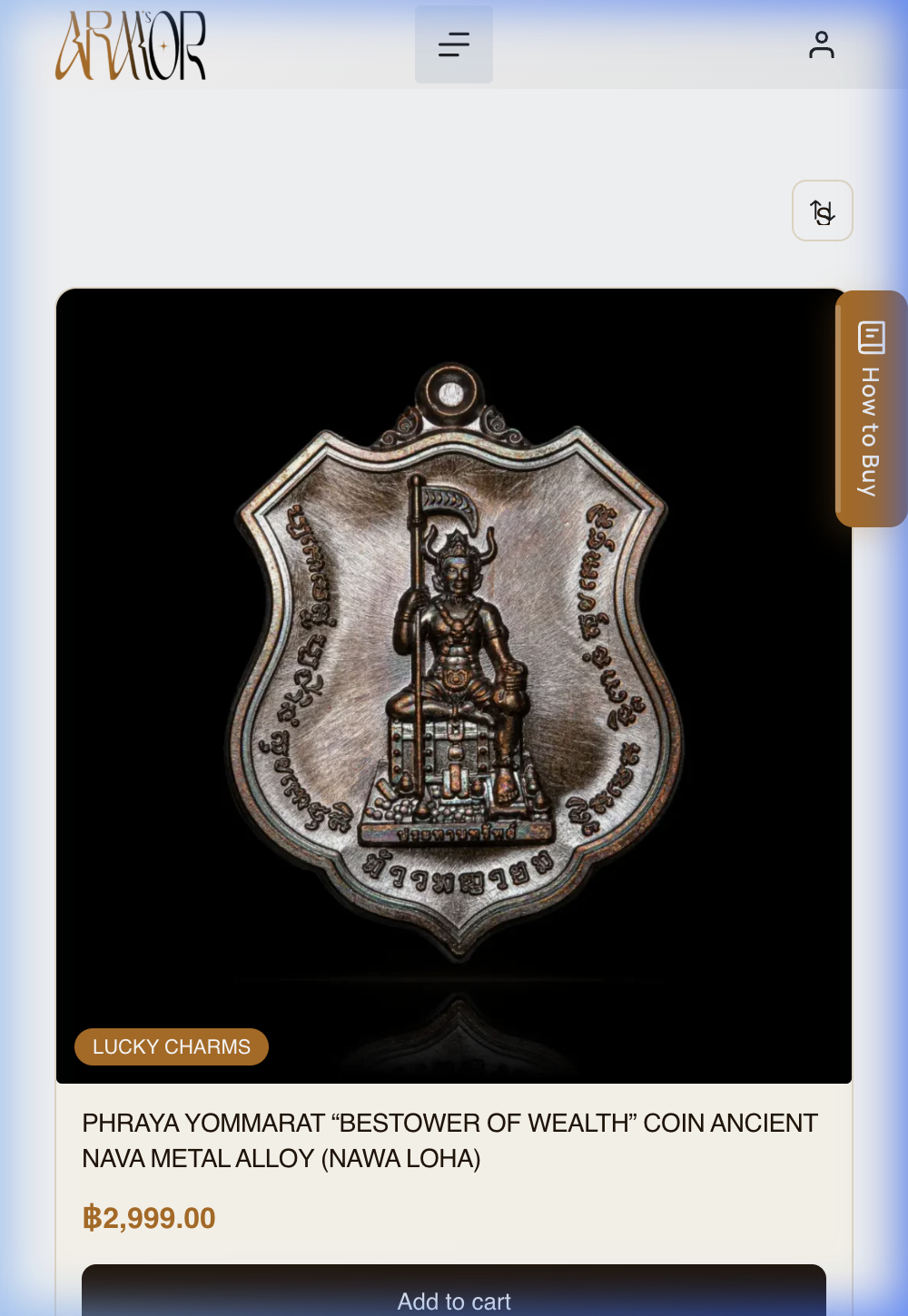
04-product-details.png
Open an In-Stock Product
Select a product card to see its price, Special Features, and category before deciding.
Currently the lowest-priced in-stock item: Rahu Riding Garuda Coin, Miracle of Destiny Edition — ฿1,199.00.
4
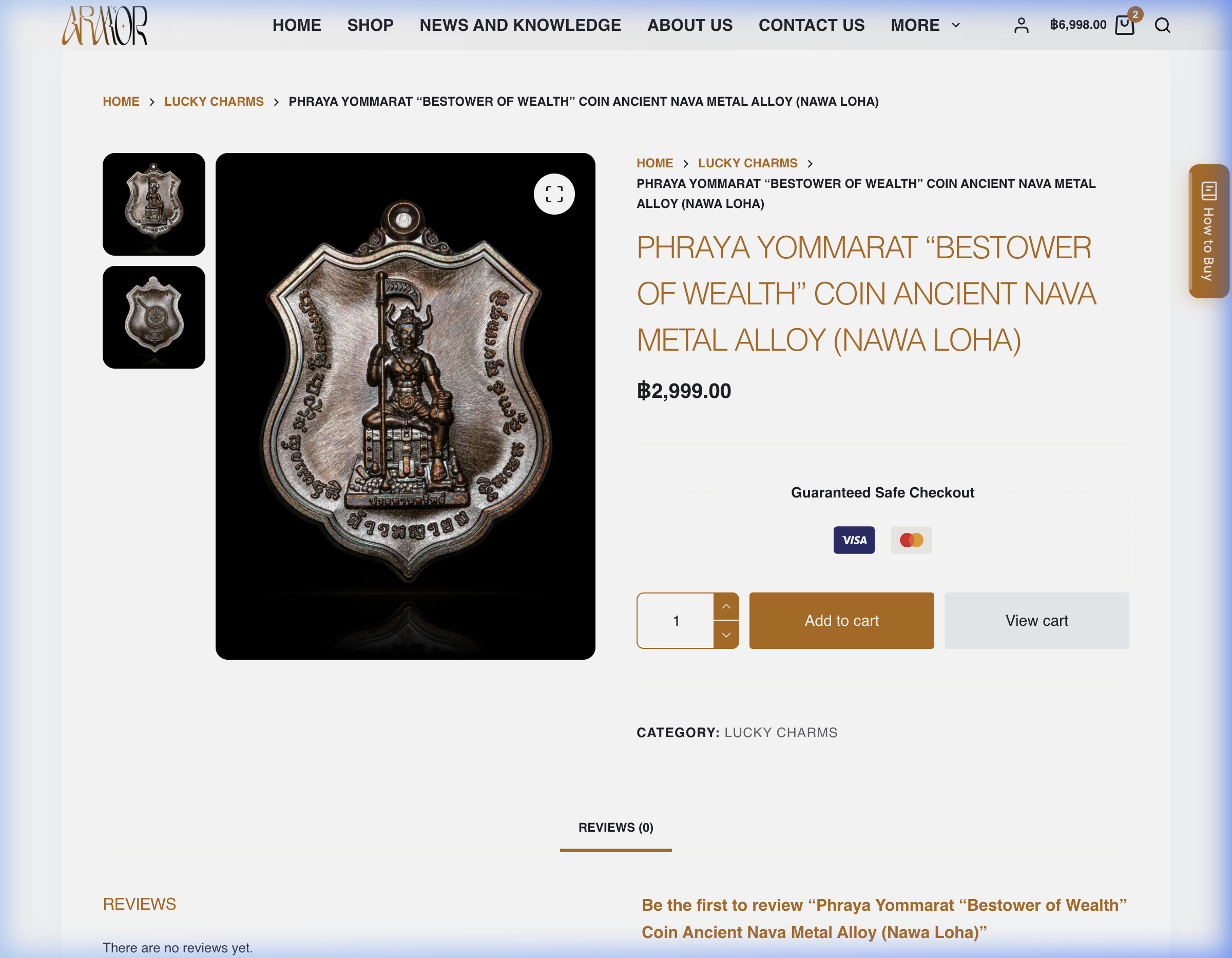
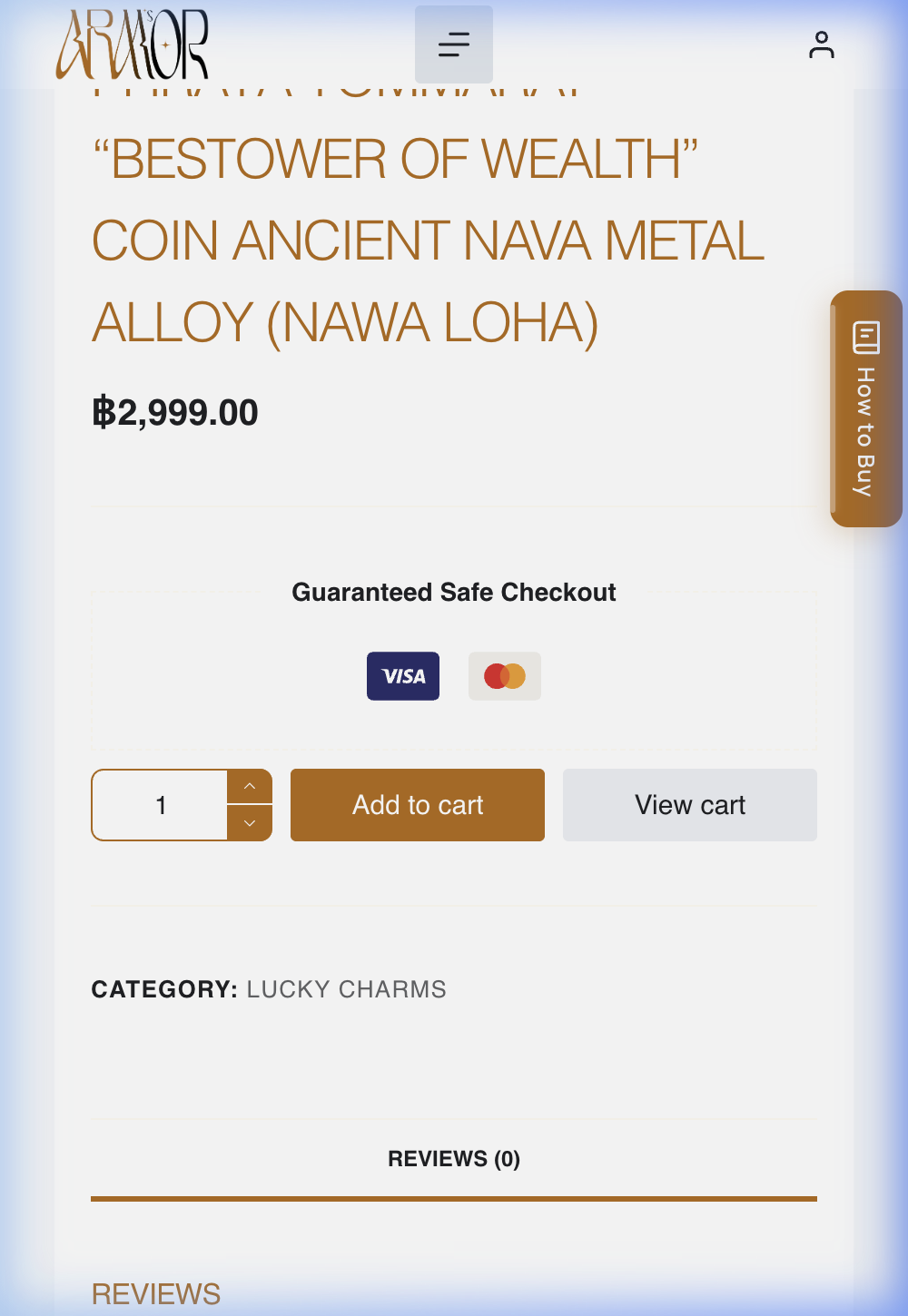
05-add-to-cart.png
Select Quantity and Add to Cart
Set the amount with the quantity stepper, then select Add to cart. The header cart total and a new View cart button confirm it worked.
5
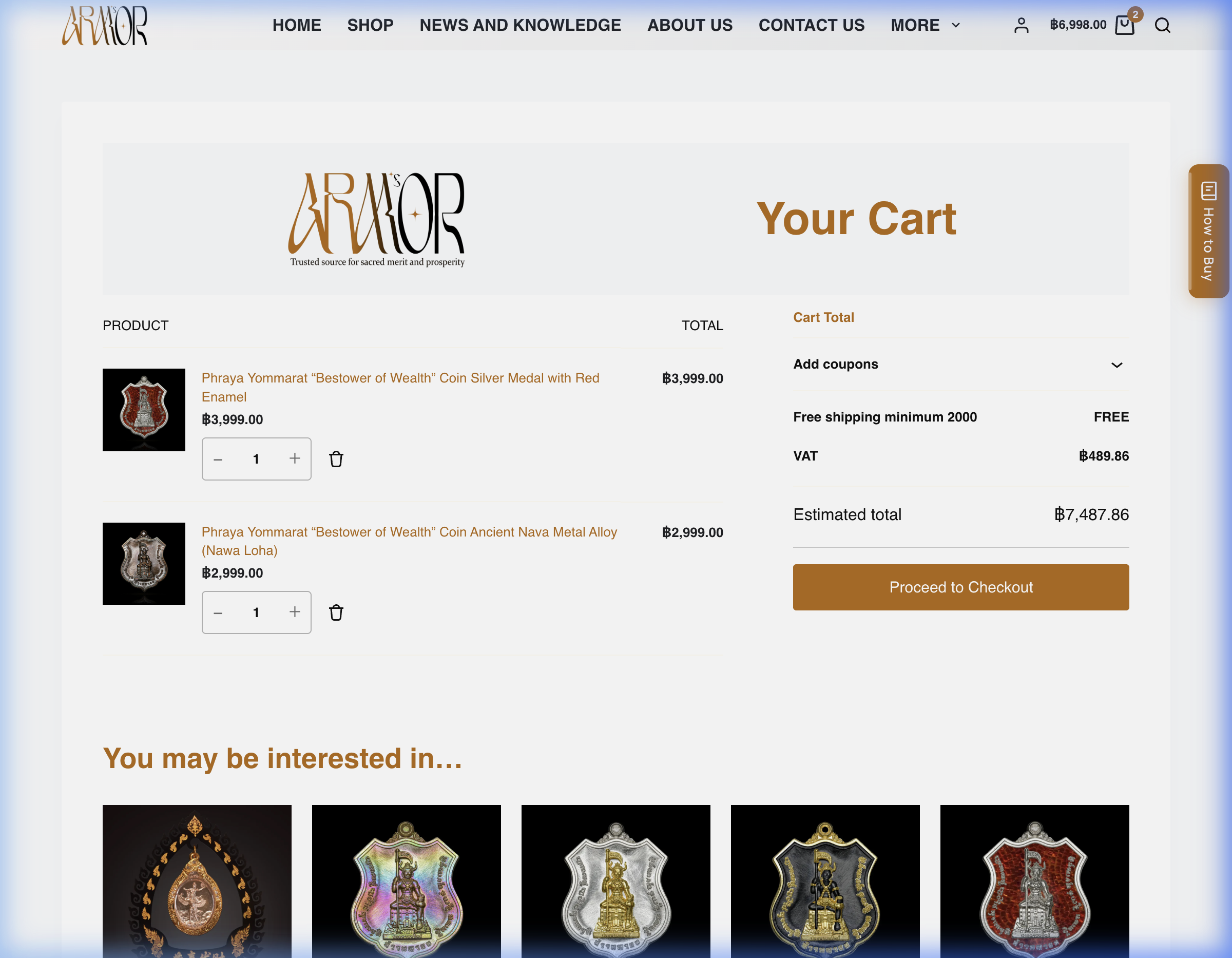
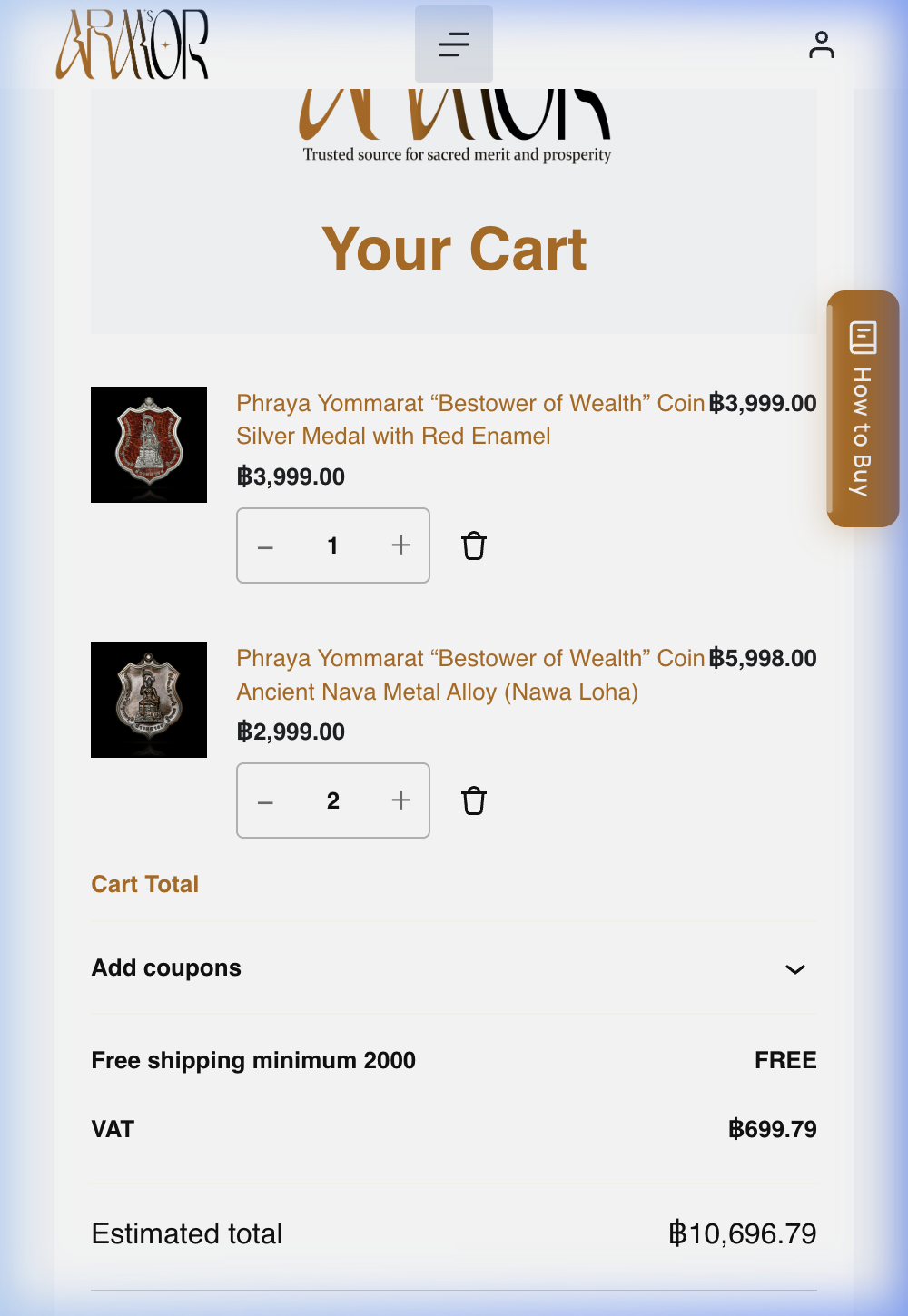
06-cart.png
Review Your Cart and Continue to Checkout
On the Your Cart page, confirm quantities and the Estimated total, then select Proceed to Checkout.
6
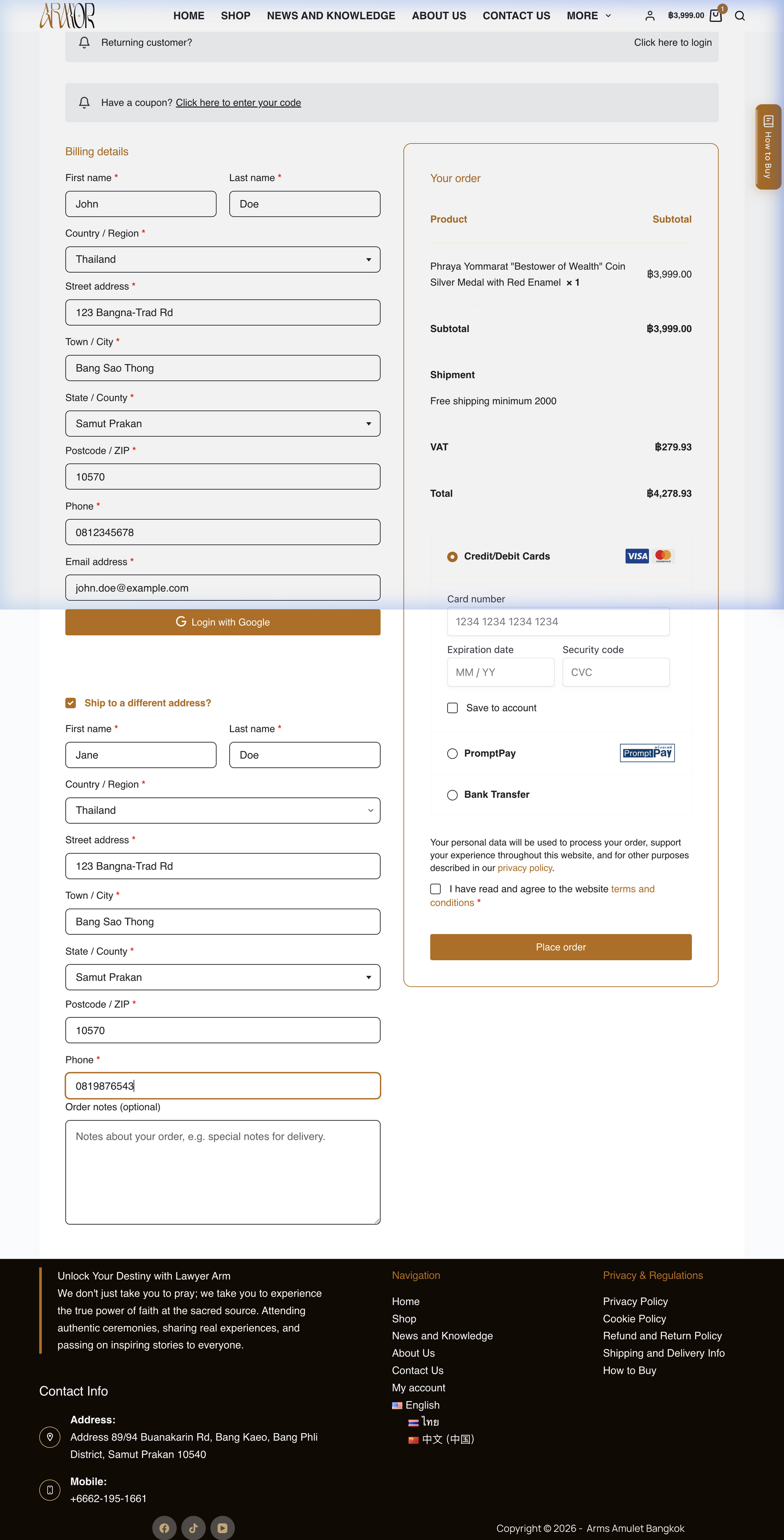
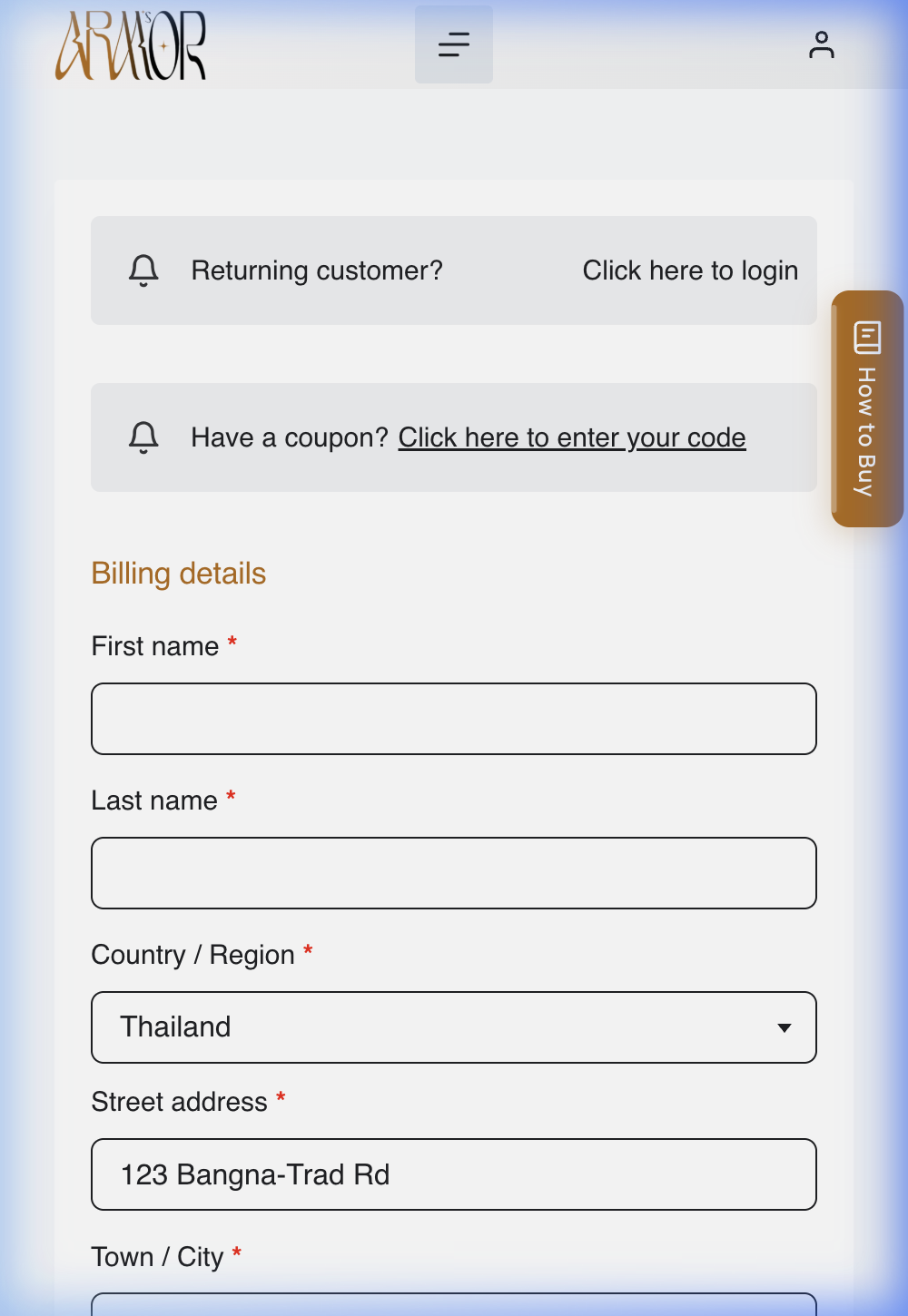
07-checkout-details.png
Enter Billing and Shipping Details
Fill in the required Billing details — name, address, phone, email. Toggle Ship to a different address? only if shipping elsewhere.
7
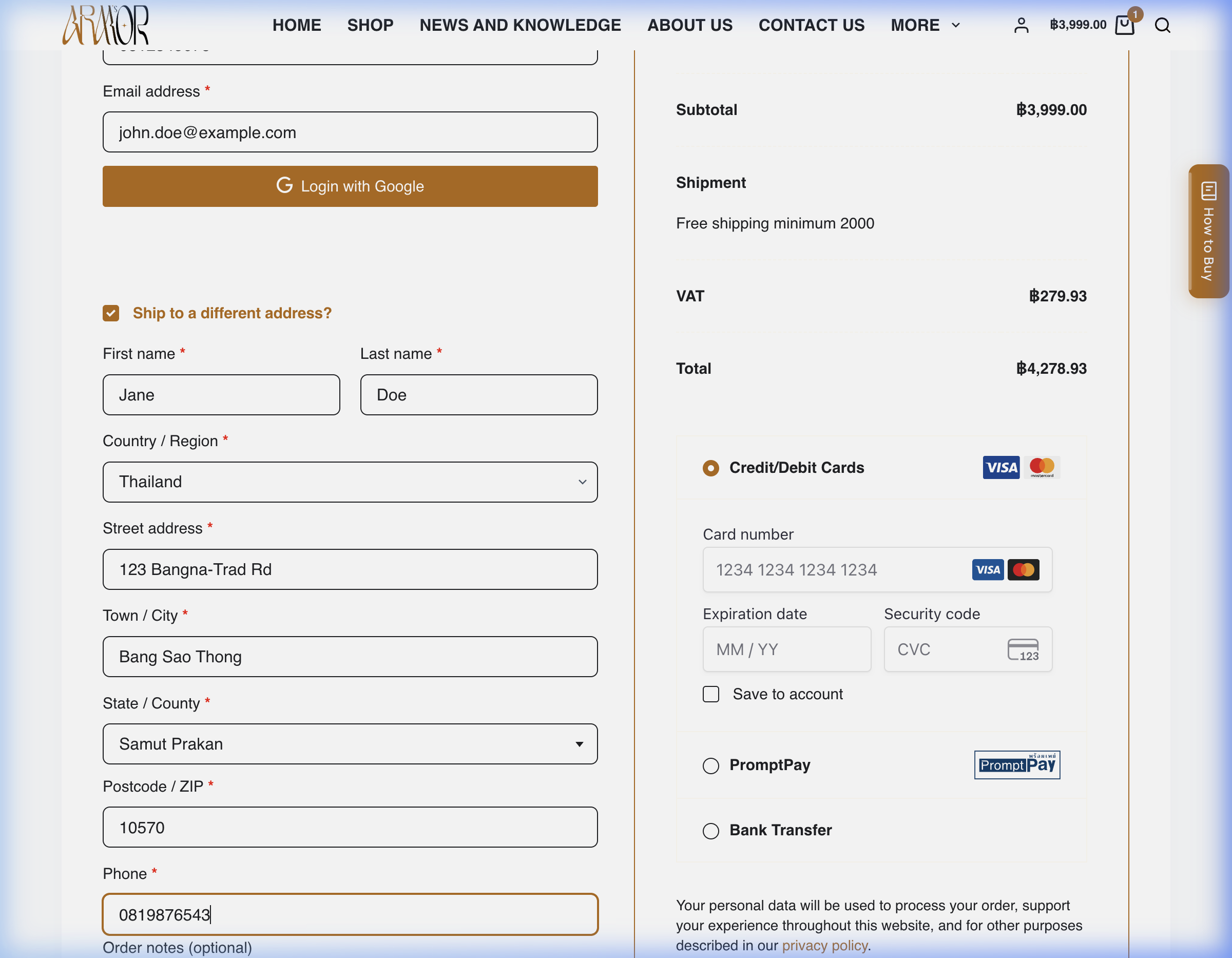
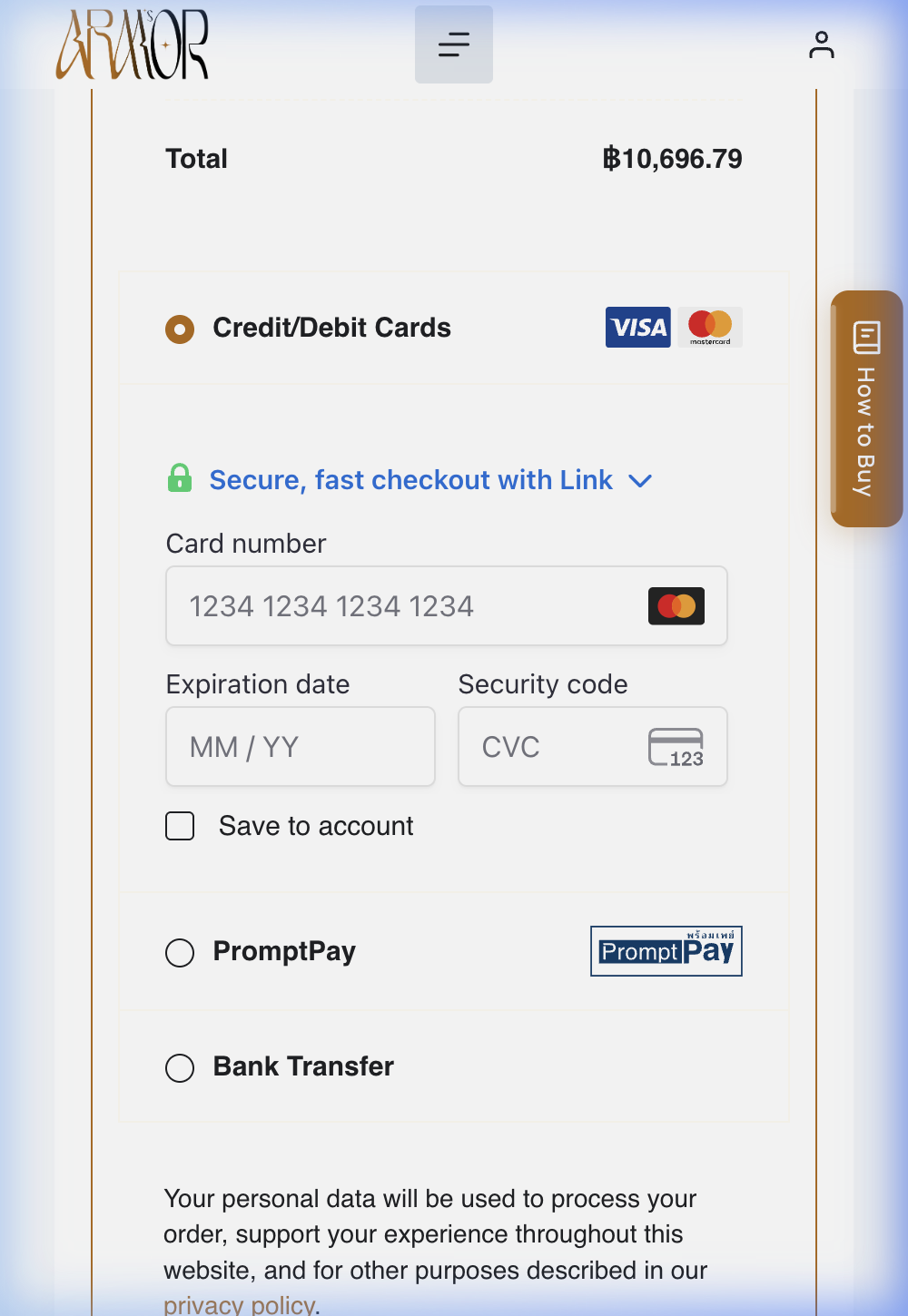
08-payment.png
Review Shipping and Payment Options
Check the Shipment cost and Total, then choose Credit/Debit Cards, PromptPay, or Bank Transfer.
Only enter real card details on a device and connection you trust.
8
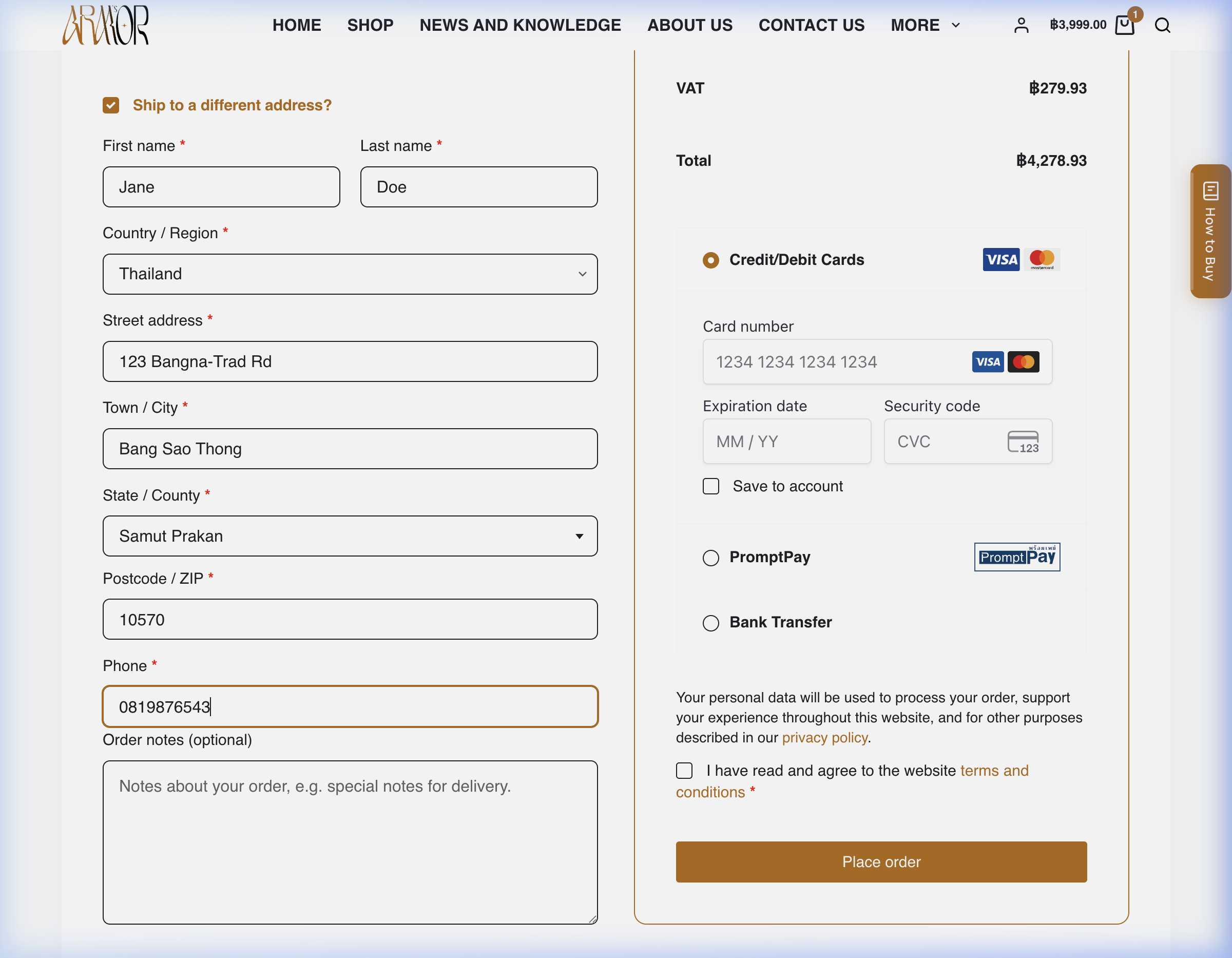
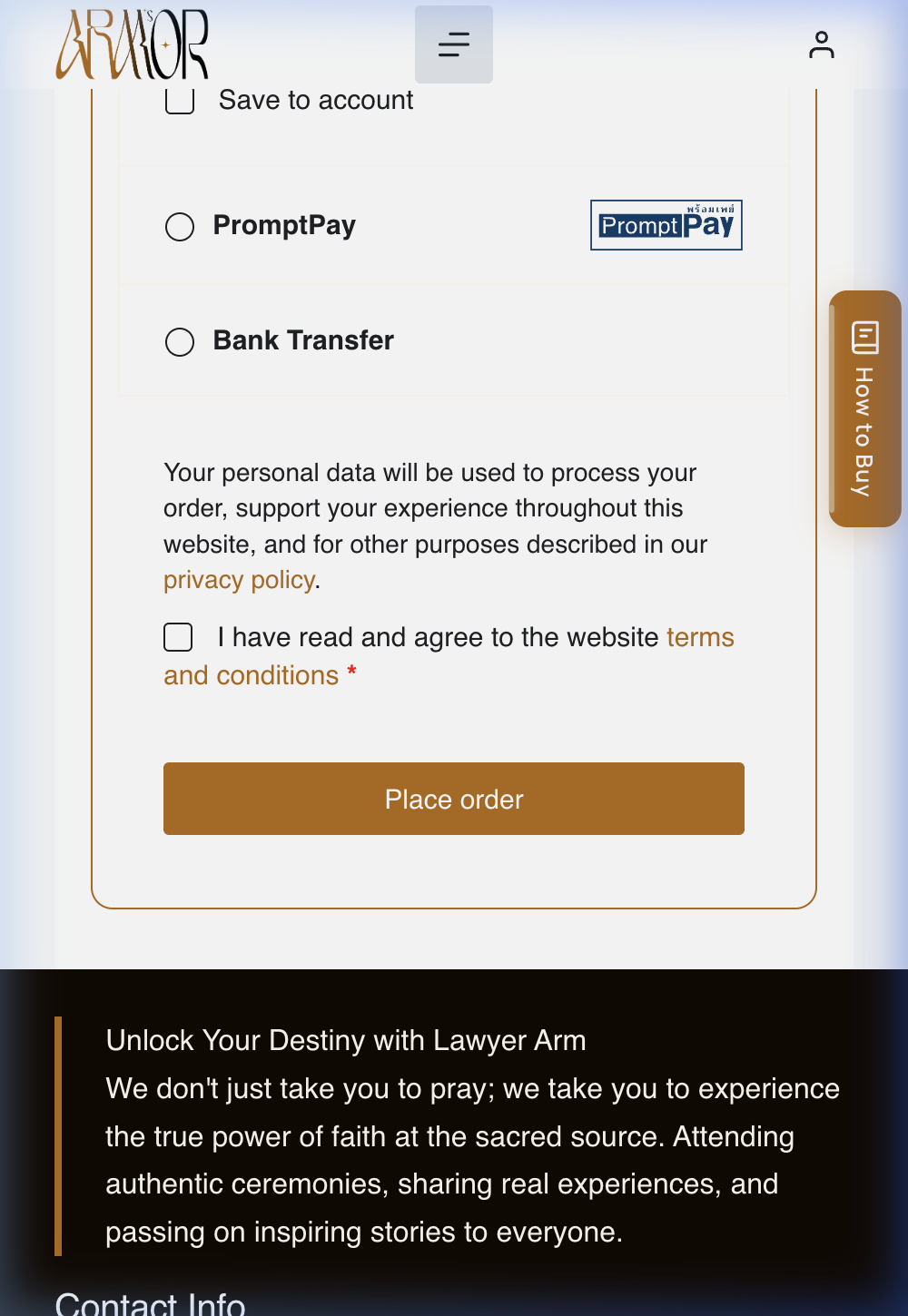
09-review-order.png
Review the Order Before the Final Button
Review the totals and the I have read and agree to the website terms and conditions checkbox. Place order is the final purchase button.
Do not select Place order unless you intend to complete a real purchase.
Before Placing Your Order
A last pass over the details on the review screen — worth 30 seconds before the final button.
- Confirm the product and quantity
- Confirm the delivery address
- Review shipping costs
- Confirm the payment method
- Review the total
- Read return and delivery information
- Select the final order button only when ready to purchase
Independent walkthrough of amuletcenter-arm.com. Not affiliated with placing or altering any order.